Android App Management Overview
Updated on May 5, 2026 2 Minutes to read
The App Management module is your central hub for deploying and managing Android applications across your fleet. From silently pushing public apps from the Google Play Store to distributing custom enterprise APKs and configuring app-level permissions before they reach the user — everything is managed from one place using Android Enterprise capabilities.
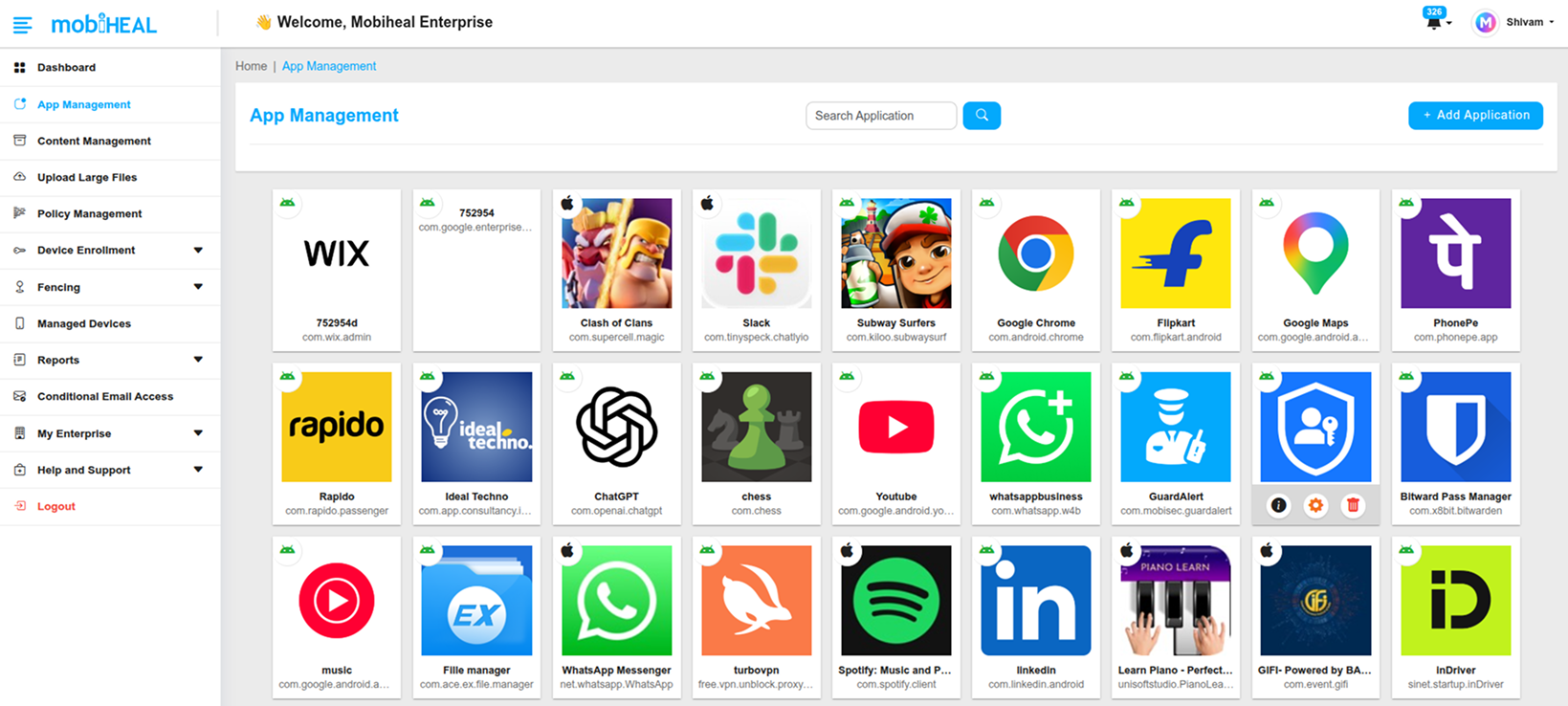
Click to zoom
What You Can Do
- Add public Android apps from the Managed Google Play Store to your organization's approved app catalog.
- Upload and distribute private in-house Android apps using APK files.
- Create web app shortcuts that appear and behave like native apps on Android devices.
- Pre-configure app-level permissions — granting or blocking camera, microphone, location, and other permissions before the app reaches the user.
- Use Managed Configurations to pre-set app behaviors and cloud integrations using the AppConfig standard.
- Designate an app as the organization's Always-On VPN provider.
Android App Sources
- Public Apps — Browse and approve apps from the embedded Managed Google Play interface directly within MobiHeal.
- Private Apps — Upload custom .apk files for in-house or enterprise-only applications not available on the public Play Store.
- Web Apps — Create URL shortcuts that are deployed to devices and appear as native app icons on the home screen.
Detailed Guides
Adding Android Applications (Public, Private & Web Apps) → /help-center/android-adding-apps
Configuring Android App Permissions & Managed Configurations → /help-center/android-app-configuration